
From text to slides in 3 steps
 1
1Paste your text
Notes, an article, a report summary or a rough outline.
 2
2Set the options
Number of slides, theme, language.
 3
3Edit and export
Fix wording in the browser, then download the .pptx if you need the file.
Paste an article, meeting notes or an outline. Slidy turns it into a designed deck you can edit. Free to try; PowerPoint export €2.99.
Notes, an article, a report summary or a rough outline.
Number of slides, theme, language.
Fix wording in the browser, then download the .pptx if you need the file.
Pasted text: a 600-word project update with milestones, risks and next steps. Setting: 6 slides.
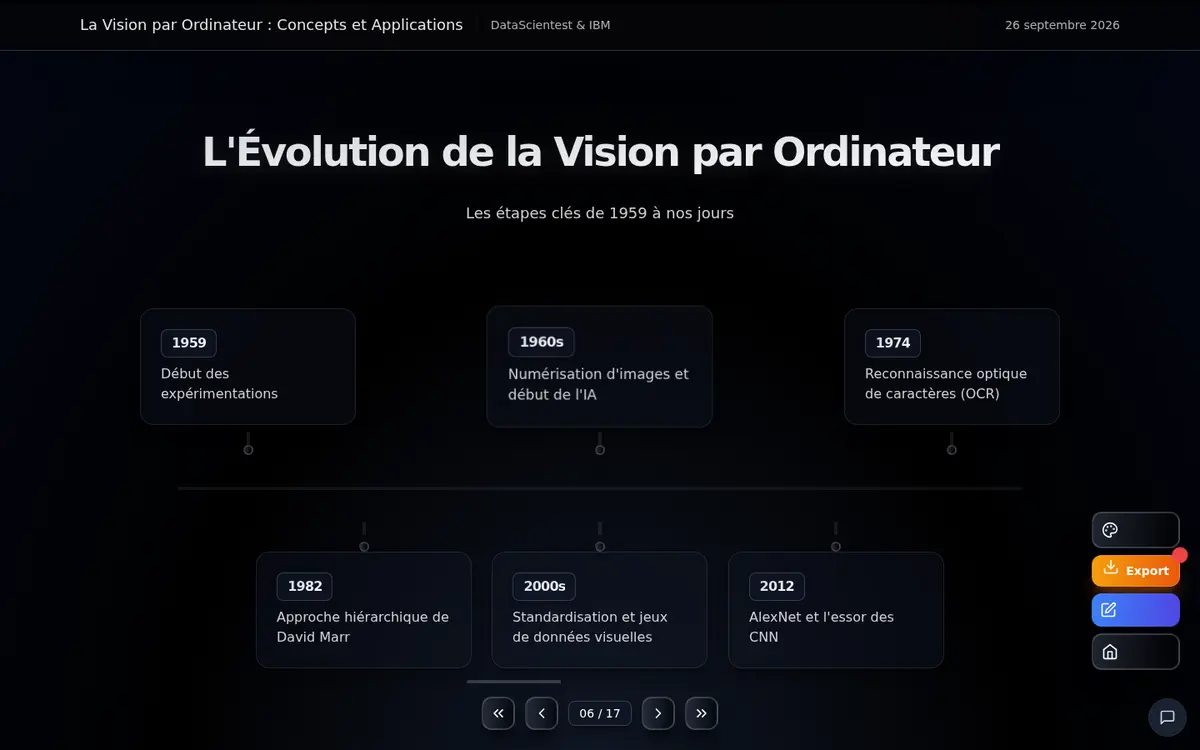
Generating and editing are free (2 AI generations every 30 days, no card). Exporting to PowerPoint costs €2.99 per deck, or €9.99 for 5, paid once. Slidy rewrites your text; it does not keep your original formatting or add facts you did not provide, so check numbers before presenting. Working from a file? See PDF to PowerPoint with AI.
Pasted text is reorganized into one idea per slide instead of replaced by invented content.
Choose slide count, theme and language, then edit every title and bullet.
Standard .pptx with editable text, openable in PowerPoint, Google Slides or Keynote.
Pay per export, once: €2.99 or €9.99 for 5.
Generate your first deck for free. Export only when you are ready to ship.
Try it free